

Descrição
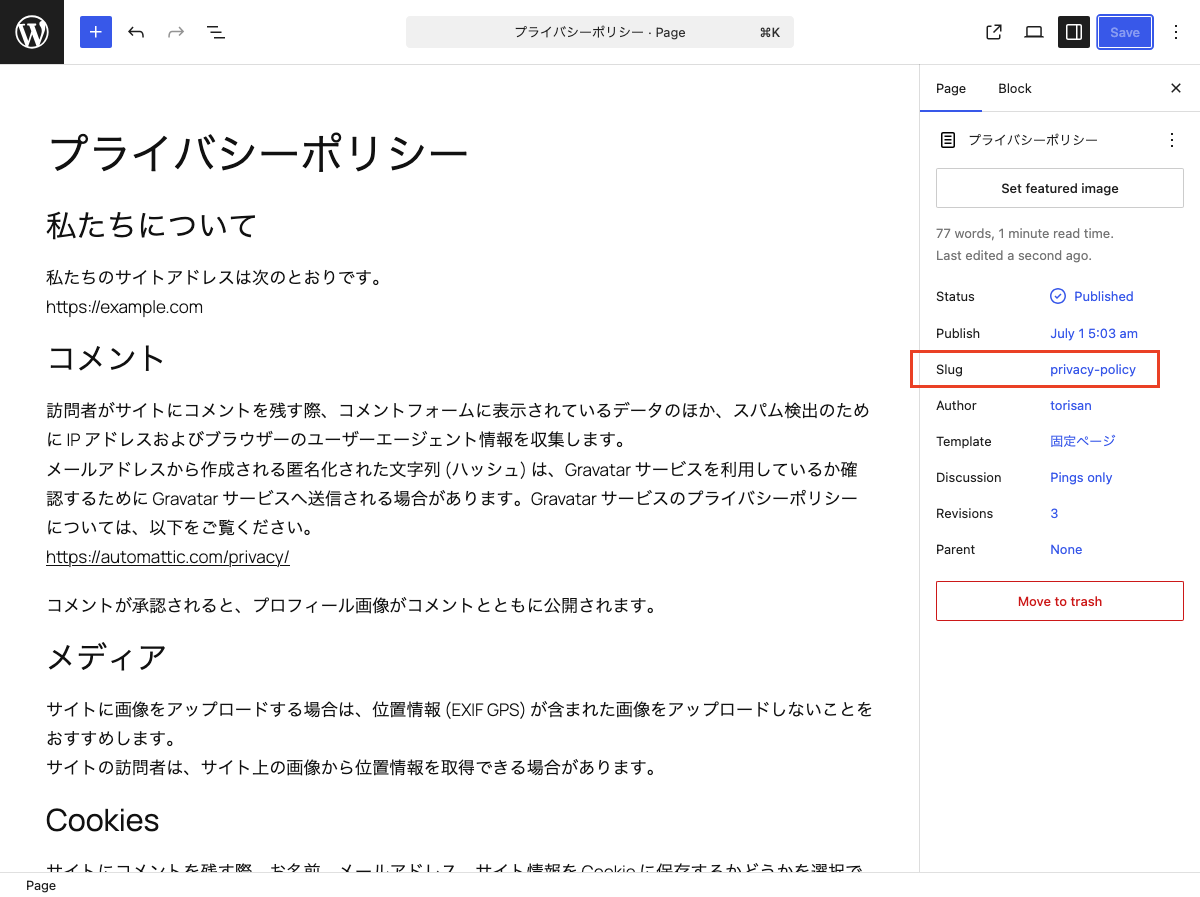
This block is designed for use in templates in the Site Editor. It displays the current post’s slug on single posts and pages. On archive pages, it displays the slug of the current category or custom post type.
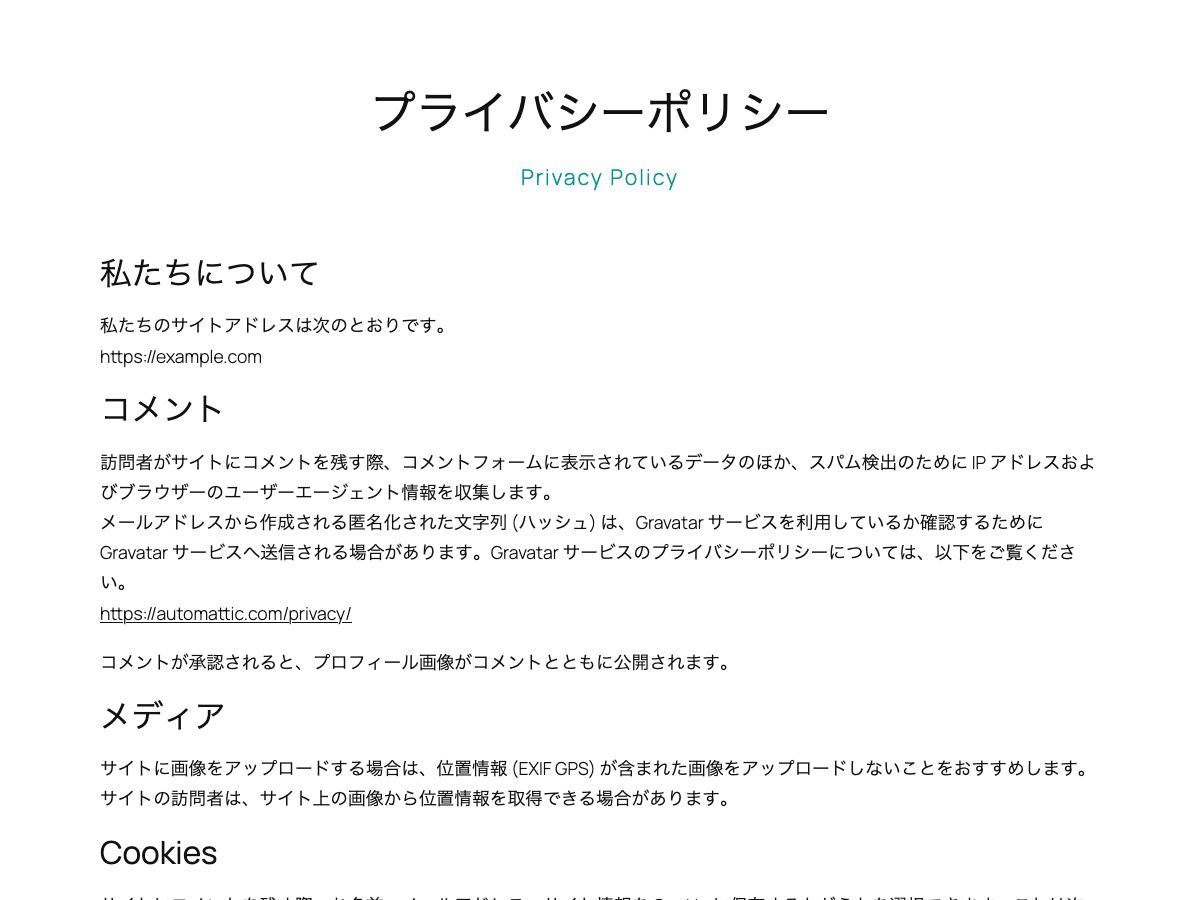
Hyphens in slugs are displayed as spaces.
You can use the displayed slug as supporting text for the page title or as a design accent.
It extends the core Paragraph block, so you can use the same styling options available to Paragraph blocks.
Usage
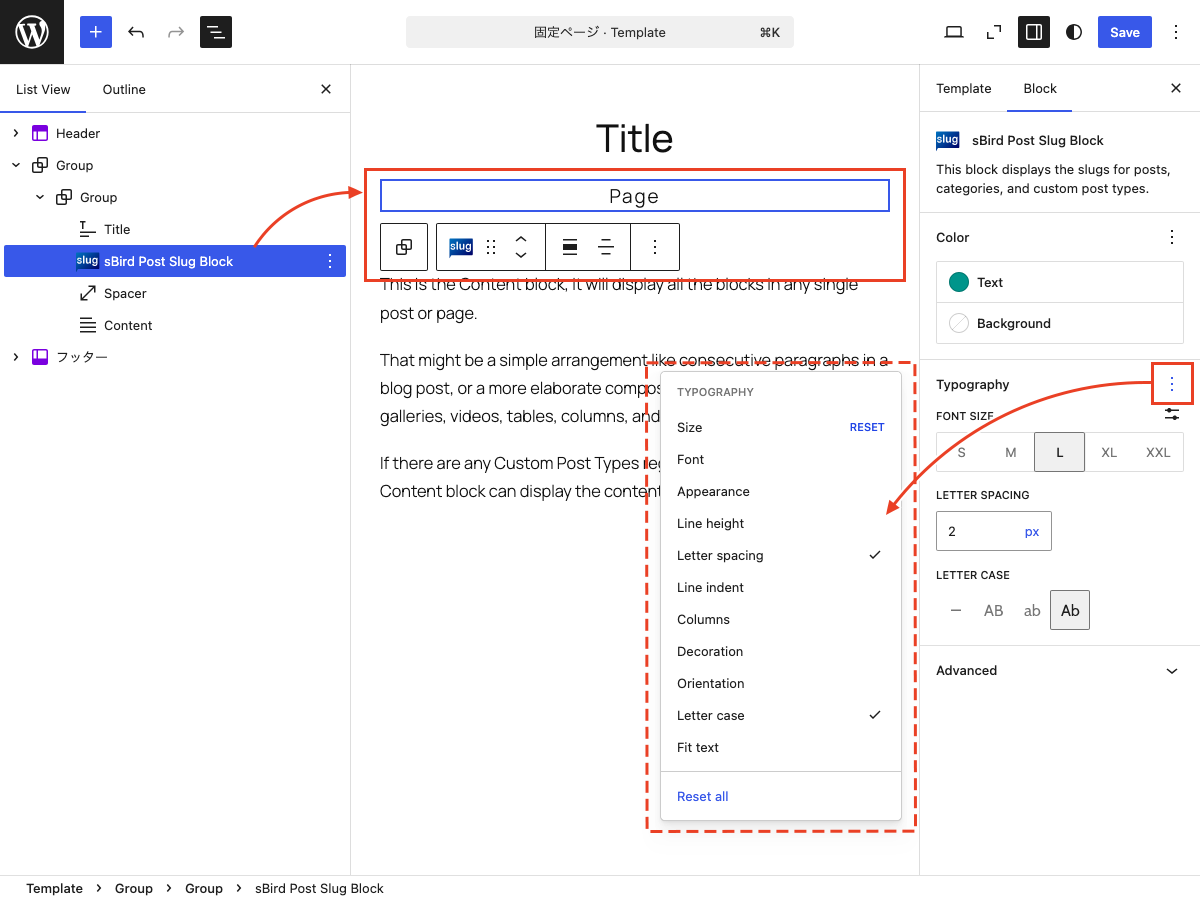
- Add the “sBird Post Slug Block” to a template in the Site Editor.
- You can use the block on single posts, pages, and archive pages.
- As with the Paragraph block, you can customize the text color, background color, font size, and typography.
Ecrãs
Blocos
Este plugin inclui 1 bloco.
- sBird Post Slug Block This is a block for the Site Editor that displays the slugs of posts, categories, and custom post types.
Instalação
- Upload the plugin files to the /wp-content/plugins/sbird-post-slug-block directory, or install the plugin through the WordPress plugins screen directly.
- Activate the plugin through the ‘Plugins’ menu in WordPress.
- Use the site editor to add “sBird Post Slug Block” to your template.
Avaliações
Este plugin não tem avaliações.
Contribuidores e programadores
“sBird Post Slug Block” é software de código aberto. As seguintes pessoas contribuíram para este plugin:
Contribuidores
“sBird Post Slug Block” foi traduzido para 1 locale. Obrigado aos tradutores pelas suas contribuições.
Traduza o “sBird Post Slug Block” para o seu idioma.
Interessado no desenvolvimento?
Consulte o código, consulte o repositório SVN, ou subscreva o registo de alterações por RSS.
Registo de alterações
1.1.3
- Added an option to display the first category slug on single posts.
1.1.2
- Tested with WordPress 7.1.
1.1.1
- Added nowrap styling.
1.1
- Added margin and padding controls.
1.0
- Hello, world!