

Descrição
Blockish is a powerful WordPress MCP Server built specifically for AI-driven web design inside the native Gutenberg Editor.
While other generic MCP plugins let AI read posts or perform basic admin tasks, Blockish turns any MCP-compatible AI assistant (such as Claude Desktop, Cursor, Windsurf, and others) into an autonomous web designer directly inside your Gutenberg Block Editor.
Currently, AI struggles to build beautiful WordPress pages because standard core blocks generate messy HTML and lack structured styling systems. We solved this by building 18+ AI-Optimized Gutenberg Blocks and a unified Class Manager.
You don’t just drag and drop blocks manually anymore (though you can!). You connect Blockish to your AI and simply say: “Build a dark-mode pricing page with 3 tiers.” The AI will use Blockish’s clean structural blocks and Class Manager to instantly generate a pixel-perfect, fully responsive layout right in your Gutenberg canvas.
🚀 The AI Site Building Workflow
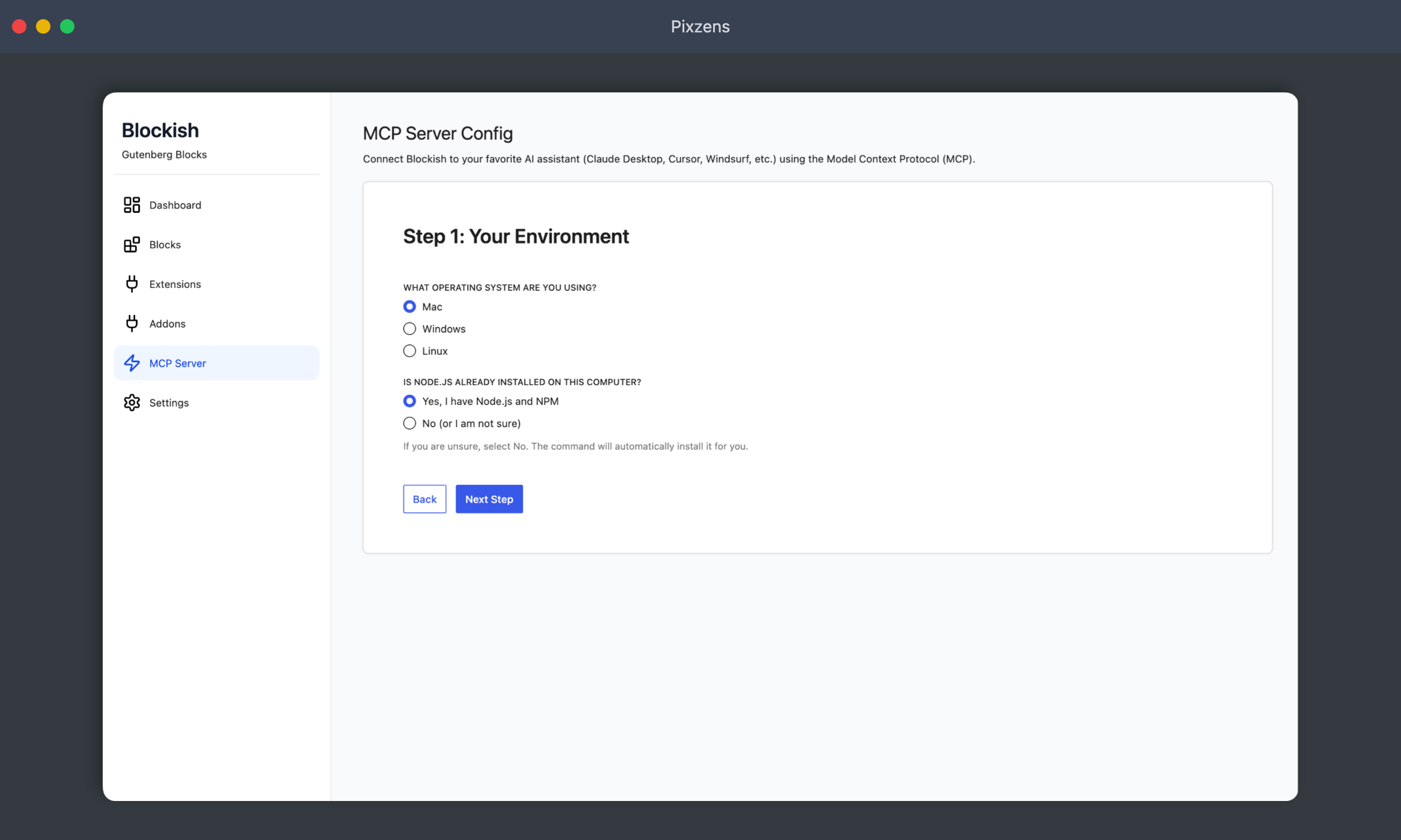
- Connect: Use our 1-click config wizard in the dashboard to connect your site to any MCP-enabled AI client (Cursor, Claude, Windsurf, etc.).
- Prompt: Tell your AI what kind of page or section you need.
- Generate: The AI acts as a designer, leveraging Blockish blocks to construct the layout natively directly inside the Gutenberg editor.
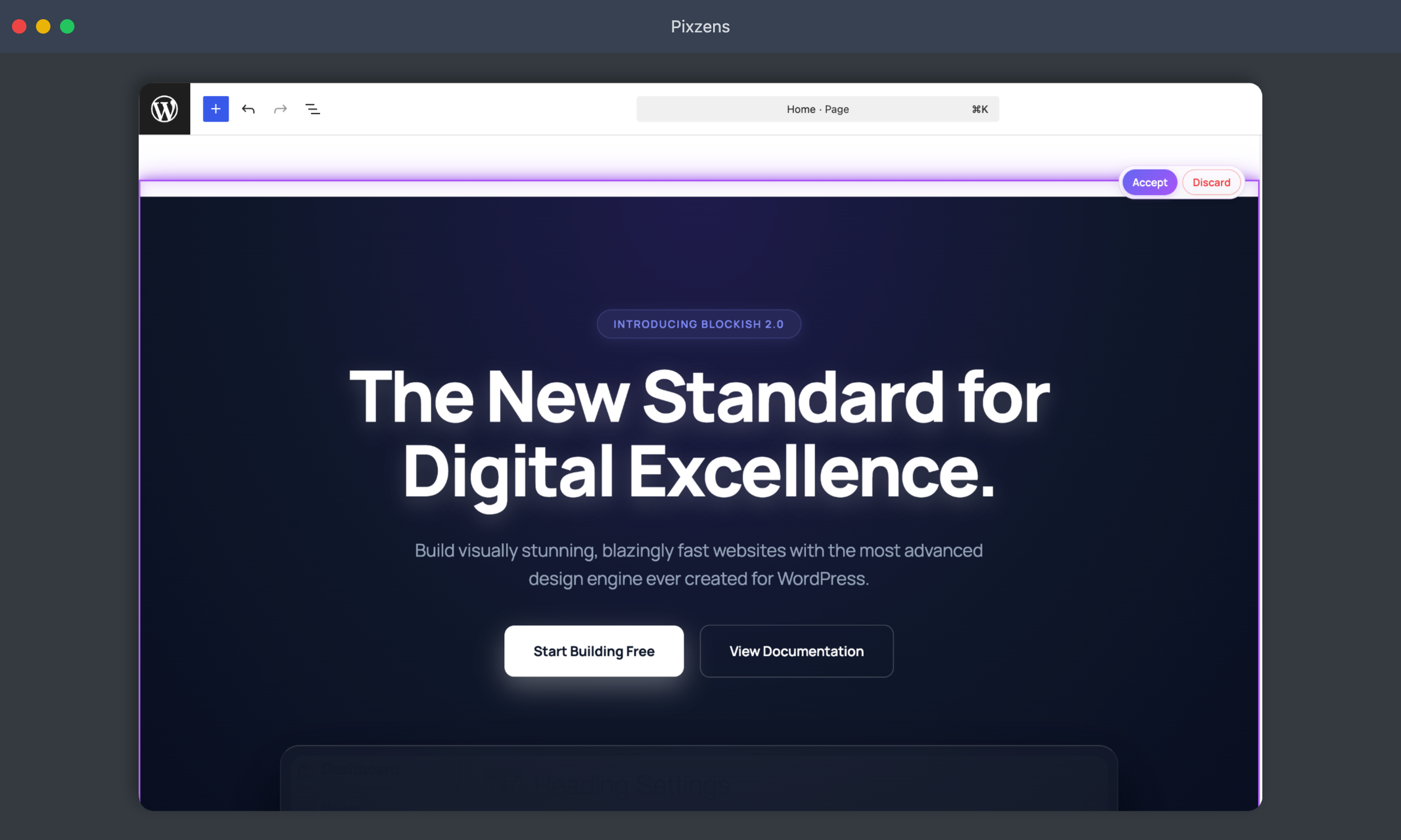
- Refine: Accept the inline preview, or ask the AI to tweak colors, spacing, and typography on the fly.
Why Blockish Blocks are Different
Unlike traditional block libraries built exclusively for human clicks, Blockish is engineered for AI comprehension:
-
Clean Architecture: Semantic, predictable block structures that LLMs easily understand.
-
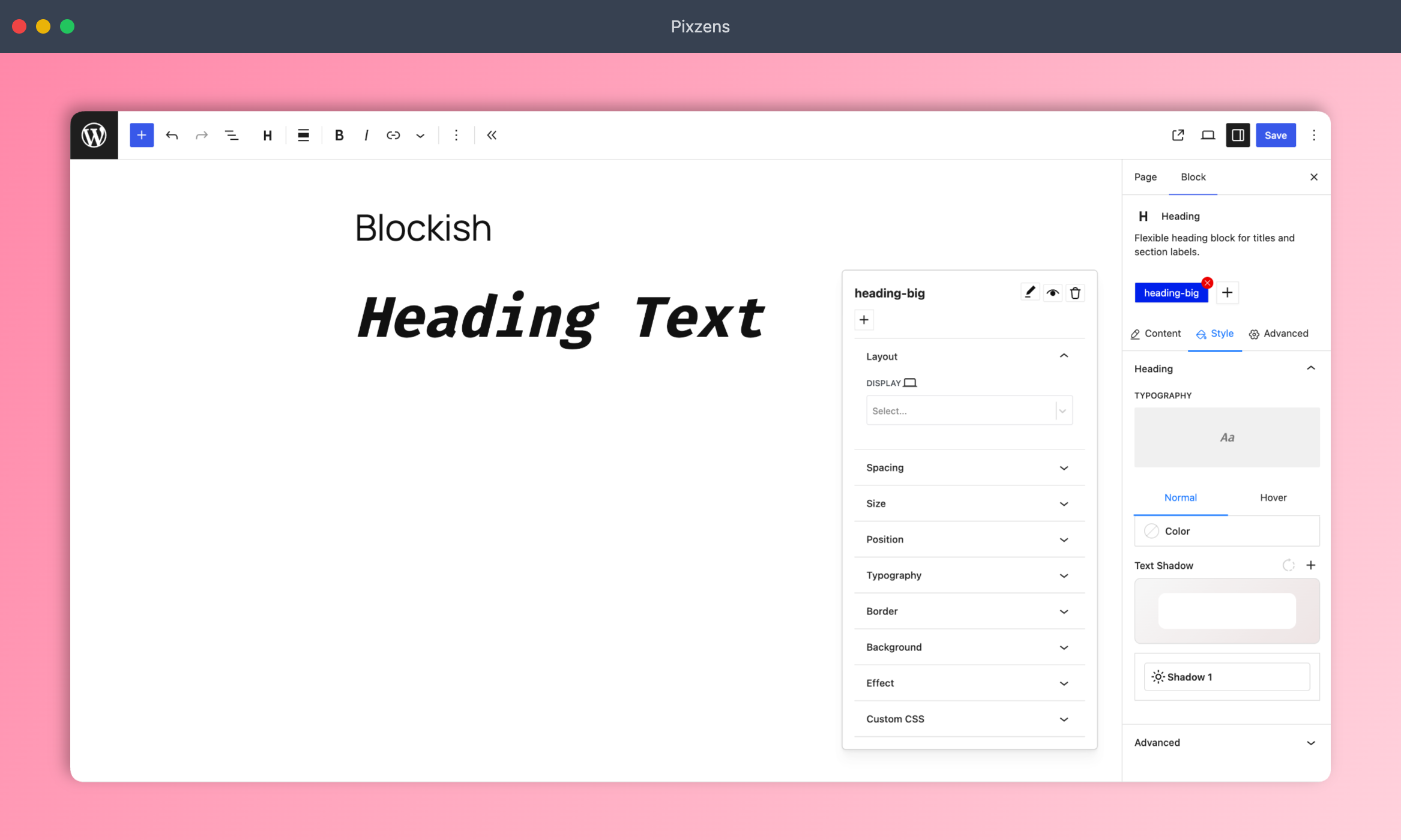
Class Manager System: Instead of writing messy inline CSS for every block, the AI is trained to create reusable CSS classes (just like a real web developer). This keeps your site fast and code incredibly clean.
-
Theme.json Integration: AI can natively update your global typography and colors via our custom MCP abilities.
-
Human-Friendly: Once the AI builds it, you have full visual control to edit everything via standard Gutenberg sidebars.
Powerful Features
- Template Library: Access our built-in Template Library with 1-click page and pattern import directly in the Block Editor.
- Magic Login: Seamless and secure 1-click login directly from your AI agent.
- EditorSync: Real-time updates between the AI agent and the WordPress editor for a smooth workflow.
18+ AI-Optimized Blocks
Even though they are built for AI to understand, they are incredibly powerful for manual site building:
Layout
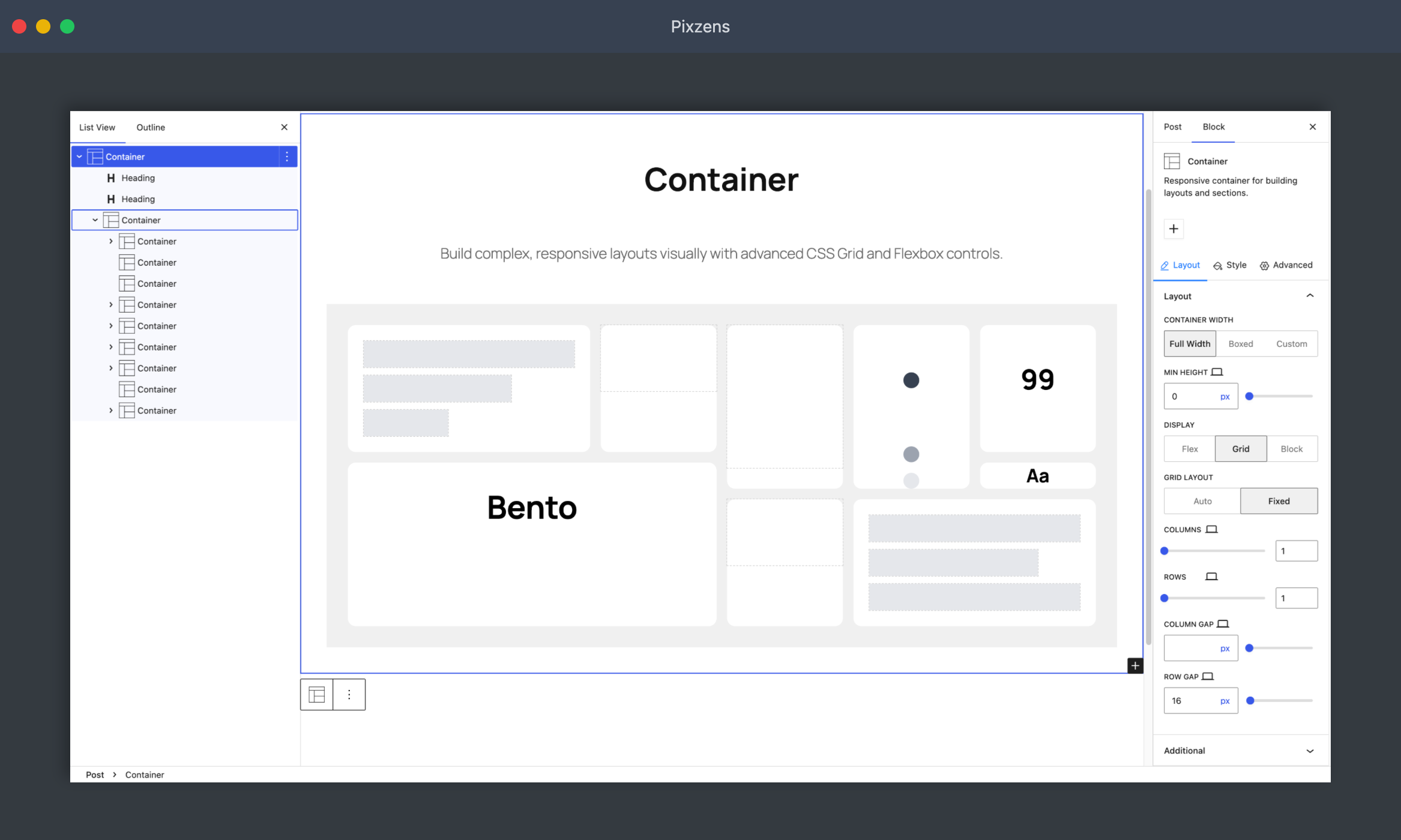
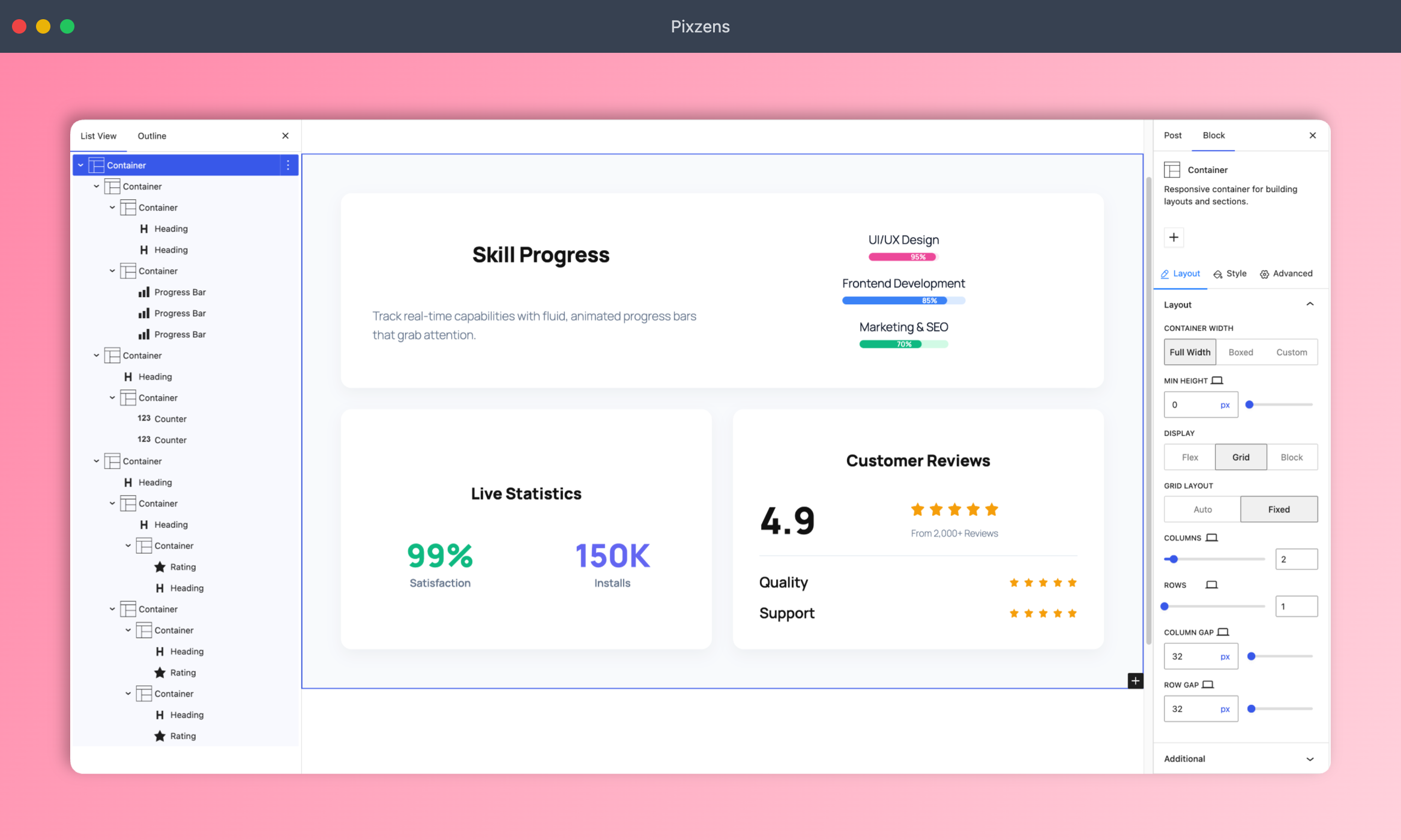
- Container — Flexible section wrapper with background, spacing, flexbox, and layout controls.
Typography
-
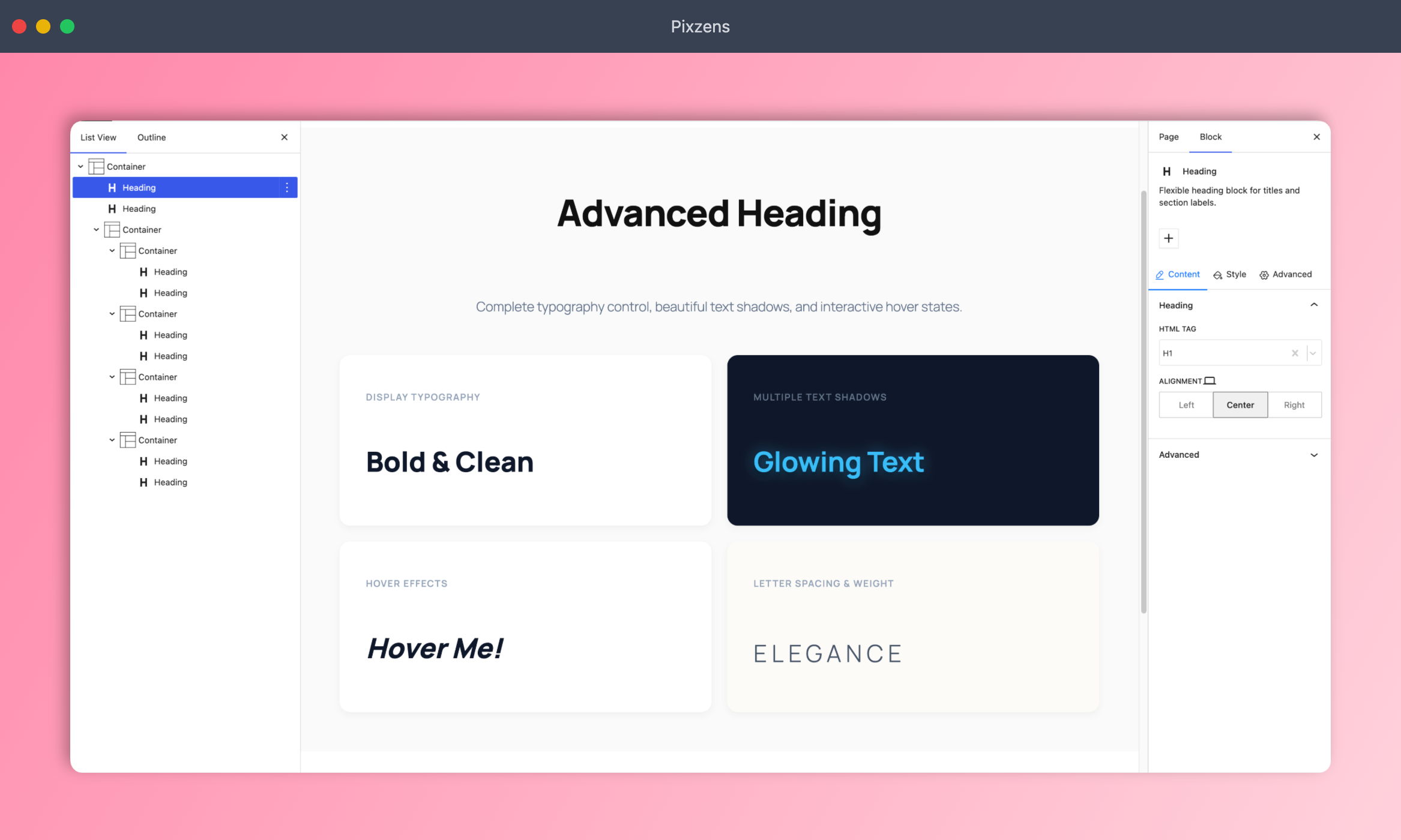
Heading — Highly customizable headings with powerful typography, colors, and shadow options.
-
Paragraph — AI-optimized paragraph block with advanced typography and spacing controls.
Media
-
Image — Enhanced image block with overlay, border, mask, and alignment controls.
-
Video — Embed and style videos with custom play buttons and wrapper controls.
-
Icon — Add scalable SVG icons with custom color, size, and hover effects.
Interactive
-
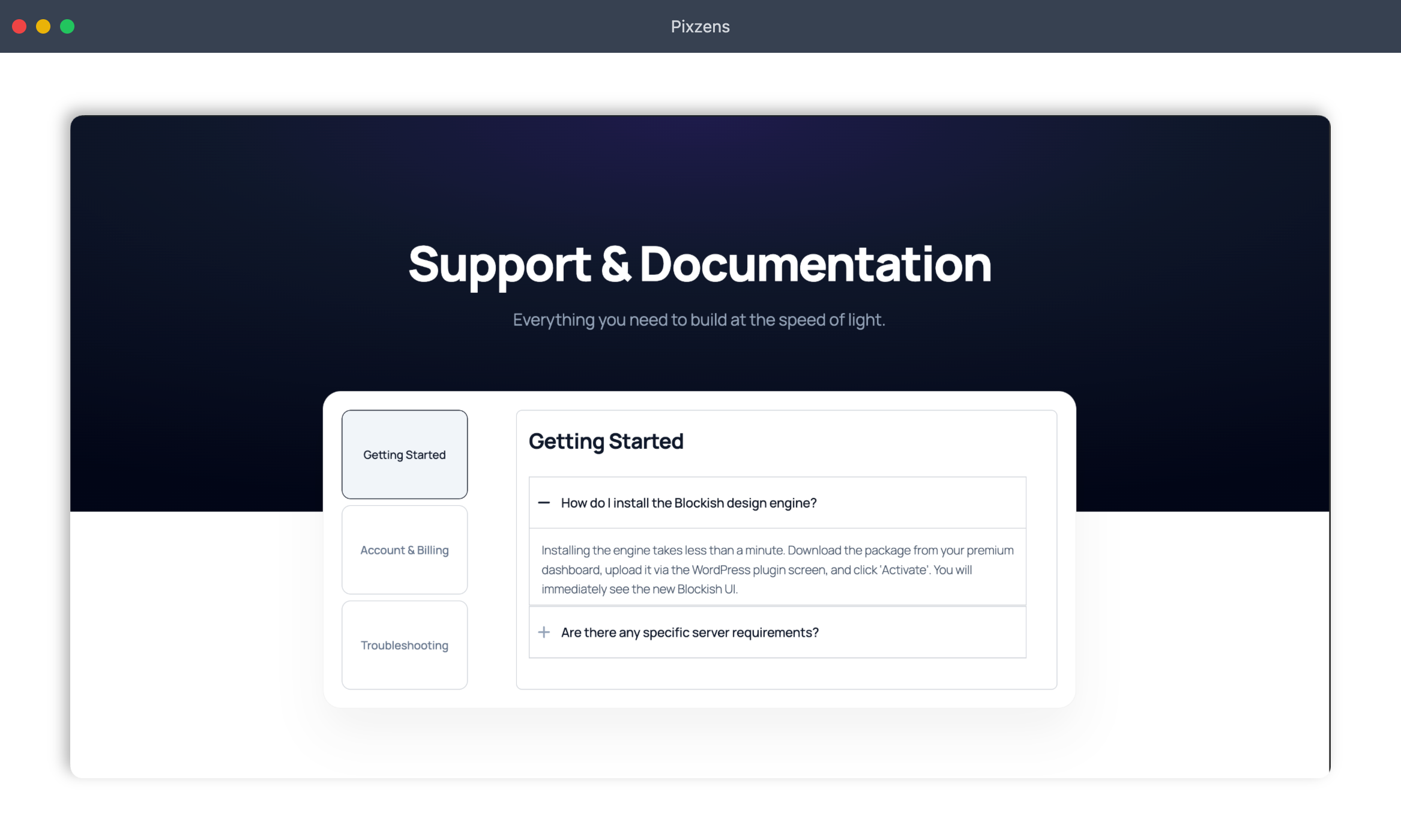
Accordion — Collapsible content sections for FAQs, features, and more.
-
Tab — Tabbed content panels for organizing large amounts of information.
-
Navigation — Robust, flexible navigation block for building complex headers.
-
Offcanvas — Slide-out side panel for menus, filters, and secondary content.
Data & Stats
-
Counter — Animated number counter for statistics, milestones, and metrics.
-
Progress Bar — Stylish progress bars with customizable labels, colors, and animations.
-
Rating — Star rating display for reviews, testimonials, and product features.
Lists & Icons
- Icon List — Beautiful icon-based lists to replace standard bullet points with SVG icons.
Social & CTA
-
Social Icons — Social media icon links with customizable shapes, colors, and sizes.
-
Button — Fully styled call-to-action buttons with hover effects and icons.
Maps
- Google Map — Embed Google Maps with custom zoom, height, and location settings.
External Services
This plugin connects to external services under the conditions described below. No data is ever sent without a clear user action or explicit opt-in.
1. Usage Analytics / Data Insights (dashboard.wowdevs.com)
What it does: Sends non-sensitive plugin usage data to help improve the plugin. This is part of the optional Data Insights program powered by the DCI SDK.
When it connects: Only if you explicitly opt in when prompted. No data is ever sent without your consent. You can opt out at any time from the Blockish dashboard.
Data sent: Plugin version, WordPress version, active theme, site language, and similar non-personal environment data. No passwords, user content, or personally identifiable information is transmitted.
Service: wowDevs Data Insights, operated by wowDevs.
Service URL: https://dashboard.wowdevs.com/
Privacy Policy: https://wowdevs.com/privacy-policy/
Terms of Service: https://wowdevs.com/terms-and-conditions/
Ecrãs
Blocos
Este plugin inclui 25 blocos.
- Counter Animated number counter for stats.
- Icon Display a single icon with customizable style.
- Heading Flexible heading block for titles and section labels.
- Progress Bar Progress bar showing completion status.
- Container Responsive container for building layouts and sections.
- Icon List List of icons with supporting text.
- Image Display an image with optional caption and styling.
- Button Call-to-action button with style options.
- Paragraph Flexible paragraph block for text content.
- Tab Tabbed content container for tab items.
- Google Map Embed a Google Map location on your page.
- Rating Star rating display for reviews and scores.
- Navigation Navigation wrapper that pairs a desktop Nav Menu with a mobile Offcanvas, switching between them at a breakpoint.
- Social Icons Social icon list for profile links.
- Video Embed a video with custom controls and settings.
- Accordion Accordion container for collapsible content.
- Template Library
- Icon List Item Item for the Icon List block.
- Nav Menu Item Item for the Nav Menu block.
- Tab Item Item for the Tab block.
- Accordion Item Item for the Accordion block.
- Nav Menu Submenu Dropdown submenu panel for a Nav Menu Item.
- Off Canvas Slide-in offcanvas panel with a hamburger trigger. Mirrors a sibling Nav Menu's items as real blocks.
- Nav Menu Nav menu block for gutenberg.
- Social Icon Item Item for the Social Icons block.
Instalação
- Upload the plugin files to the
/wp-content/plugins/blockishdirectory, or install the plugin through the WordPress plugins screen directly. - Activate the plugin through the ‘Plugins’ screen in WordPress.
- Navigate to Blockish -> MCP Server in your dashboard to generate your AI connection command!
Perguntas frequentes
-
What is the MCP AI Engine?
-
Blockish includes a native MCP (Model Context Protocol) server. This means you can connect any MCP-compatible AI agent (like Claude Desktop, Cursor, Windsurf, and many more) to instantly generate and style complex Gutenberg layouts using simple natural language commands.
-
Do I need a separate page builder?
-
No! Blockish extends the native WordPress Gutenberg editor with powerful layout blocks and styling controls. When paired with your AI assistant, it completely replaces the need for bloated page builders like Elementor or Divi.
-
What is the Class Manager?
-
The built-in Class Manager lets you (and the AI) create, edit, and apply reusable CSS classes directly within the editor. This guarantees a consistent design system across your entire website and speeds up workflow.
-
Is this plugin free?
-
Yes, the core Blockish plugin is 100% free to use on unlimited personal or client websites.
Avaliações
Este plugin não tem avaliações.
Contribuidores e programadores
“Blockish – AI site builder for WordPress” é software de código aberto. As seguintes pessoas contribuíram para este plugin:
Contribuidores


Traduza o “Blockish – AI site builder for WordPress” para o seu idioma.
Interessado no desenvolvimento?
Consulte o código, consulte o repositório SVN, ou subscreva o registo de alterações por RSS.
Registo de alterações
1.1.3
- Added: 4 new MCP AI abilities (
GetAutomationGuideline,JsonHelper,ManagePattern,TriggerRefresh) - Added: Magic Login feature and corresponding AI ability for quick access
- Added: EditorSync functionality for improved block editor synchronization
- Improved: Renamed
UploadMediaability toManageMediafor broader functionality - Improved: AI developer documentation and schema definitions for all blocks
- Improved: Backward compatibility and styling fixes for Social Icons, Button, Container, and Google Map blocks
1.1.2
- Improved: Refined AI developer documentation with precise JSON option arrays for robust MCP styling
1.1.1
- Added: Paragraph block optimized for AI site building
- Improved: Unified block icon styling across all blocks for consistent editor branding
- Added: Template Library feature with 1-click page and pattern import in Block Editor
- Improved: Template Library UI and infinite scroll performance
- Fixed: Cross-Origin Resource Sharing (CORS) preflight errors with token-based query authentication
- Improved: Enqueue logic using wp_localize_script for safer JS configuration
- Added: Automated MCP Connection Wizard with 1-click command generation
- Added:
ManageOptionsMCP AI ability to read and update WordPress core settings. - Added:
ManageCommentsMCP AI ability for autonomous comment moderation. - Improved:
ManageThemeJsonMCP AI ability now properly merges custom typography.
1.1.0
- Added: Global SEO Meta Description setting in the dashboard
- Added: Batch upload support in UploadMedia MCP ability
- Added: Taxonomy query filtering support in GetPosts MCP ability
- Added: Active plugin detection in GetSiteInfo MCP ability
- Improved: Escaped block render outputs to meet strict security standards
1.0.9
- Added: 3 new MCP AI abilities
- Added: Inline AI preview block for MCP schema approval
- Improved: MCP AI documentation and approval workflow
1.0.8
- Added: New MCP AI abilities
- Improved: Existing MCP AI abilities to reduce token cost
1.0.7
- Fixed: Icon block folder casing for compatibility with case-sensitive file systems
1.0.6
- Added: WordPress Playground Blueprint support for live interactive previews
1.0.5
- Added: MCP AI extension
- Improved: Overall UI/UX improvements
- Fixed: Class Manager subselector UI detachment issues
1.0.4
- Improved: Overall UI/UX improvements
1.0.3
- Added: Accordion, Button, Counter, Google Map, Heading, Icon, Image, Icon List, Progress Bar, Rating, Social Icons, Tab, and Video blocks.
- Improved: System architecture and performance enhancements
1.0.0
- Initial release